Windows Desktop Application
Image Toolkit Pro
High-performance desktop computer vision utility with annotation drawing tools, real-time object detection analytics, webcam recording, and batch image processing.
Problem
Power users and computer vision practitioners often rely on bloated image editors that cannot perform batch processing or real-time webcam detection.
Implementation and contribution
The existing portfolio documents a Python desktop image-processing interface with annotation, webcam and batch workflows.
Architecture
Python OpenCV Engine + Tkinter UI + Multithreaded Frame Processing + PyInstaller
Trade-offs and limitations
Frame rate and throughput depend on hardware, resolution and enabled processing. A packaged executable may bundle dependencies rather than having none.
Evidence and availability
Source repository, release download and screenshots are available. The executable was not run or safety-certified in this review; FPS claims are omitted pending benchmarks.
Technologies
- Python 3.11
- OpenCV
- Computer Vision
- Tkinter/CustomTkinter
- PIL/Pillow
- Windows .exe
Workflow screenshots
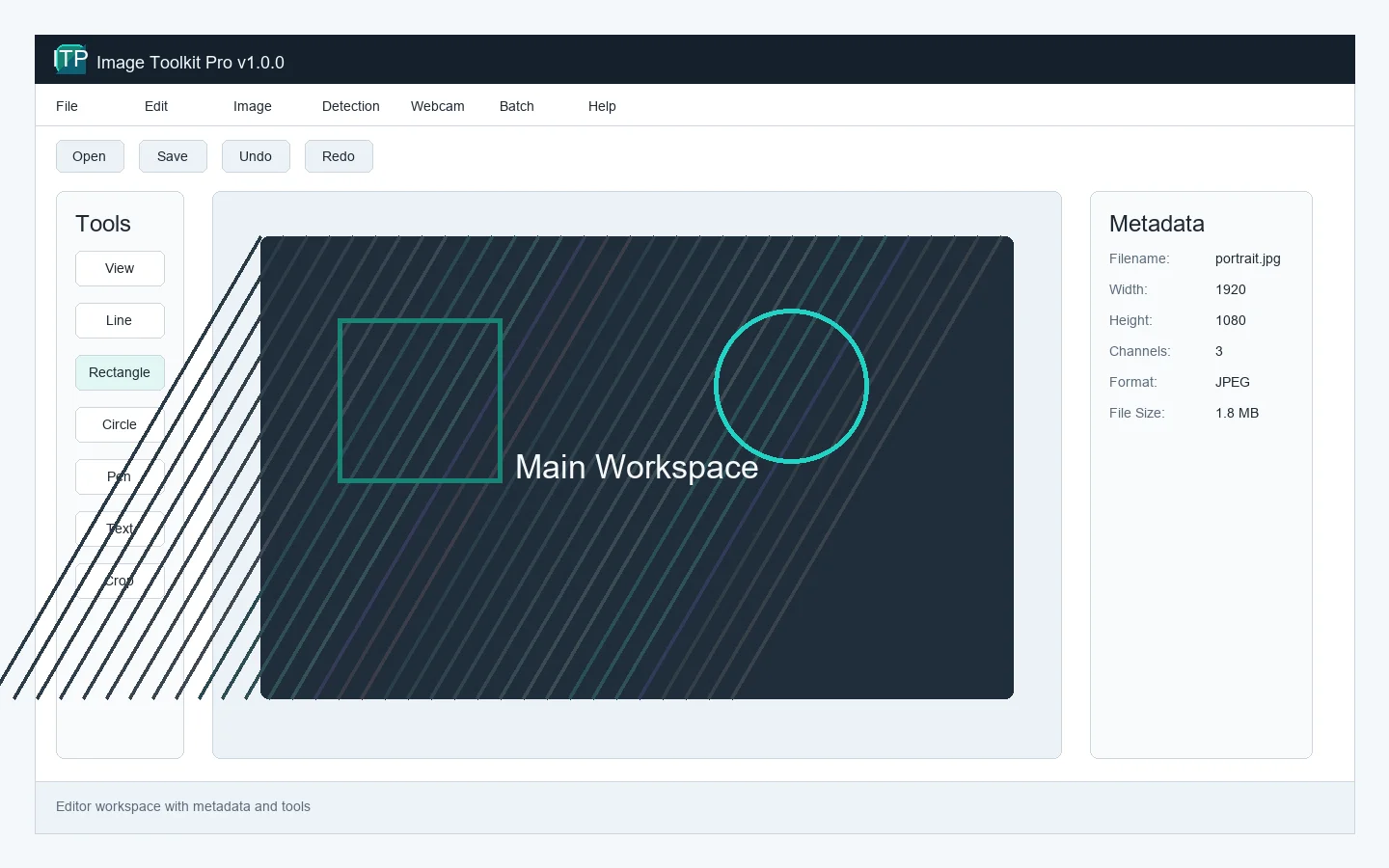
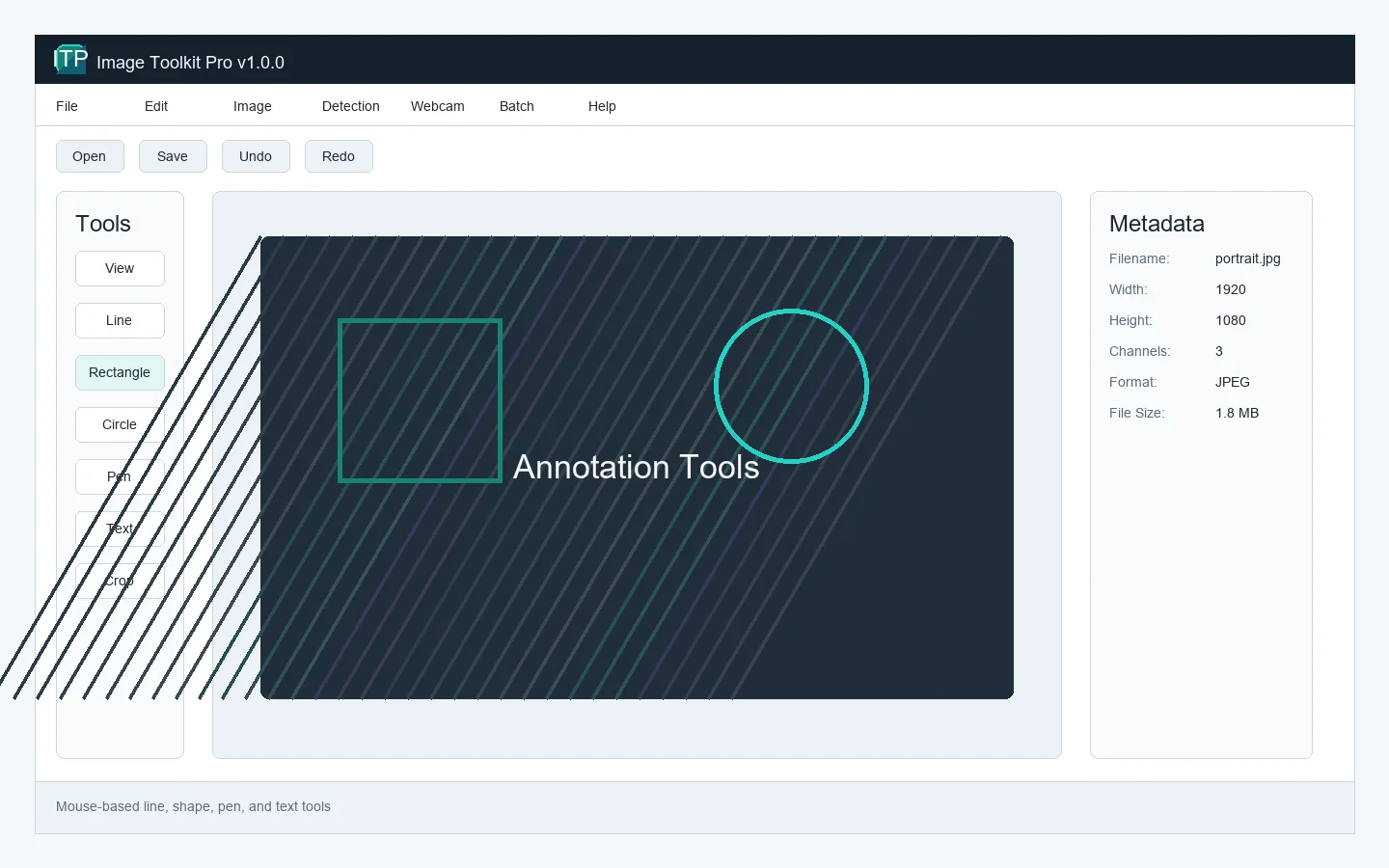
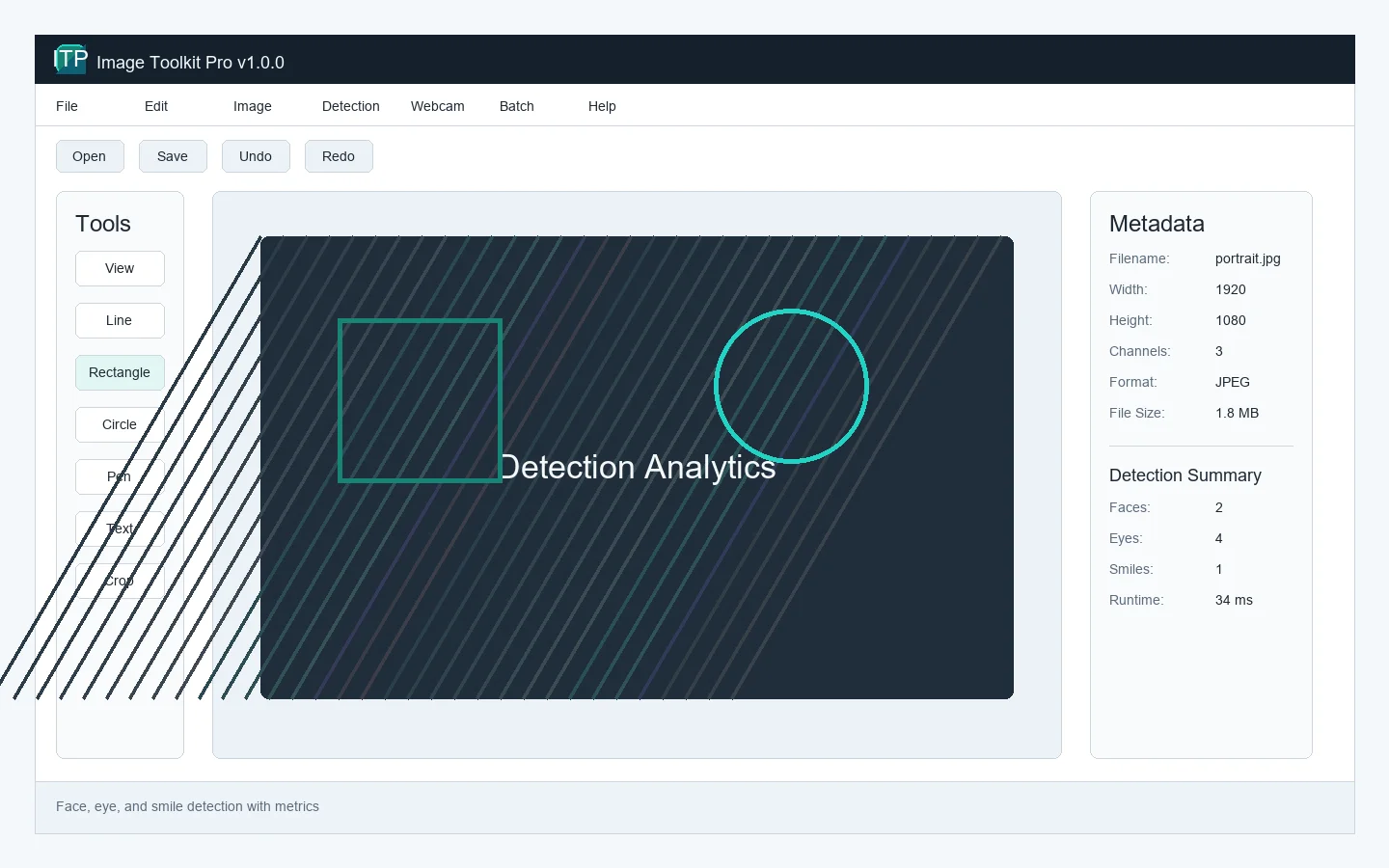
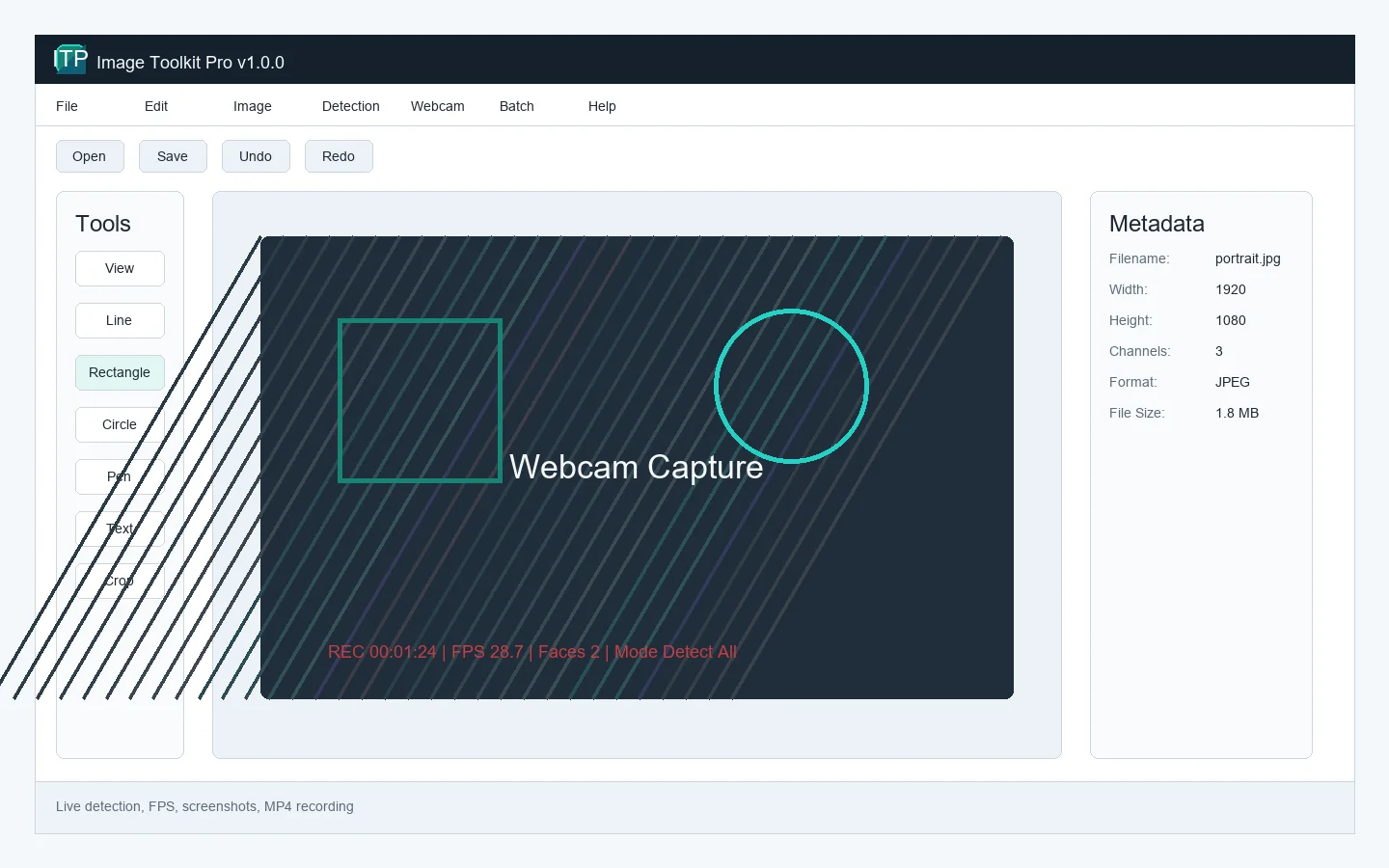
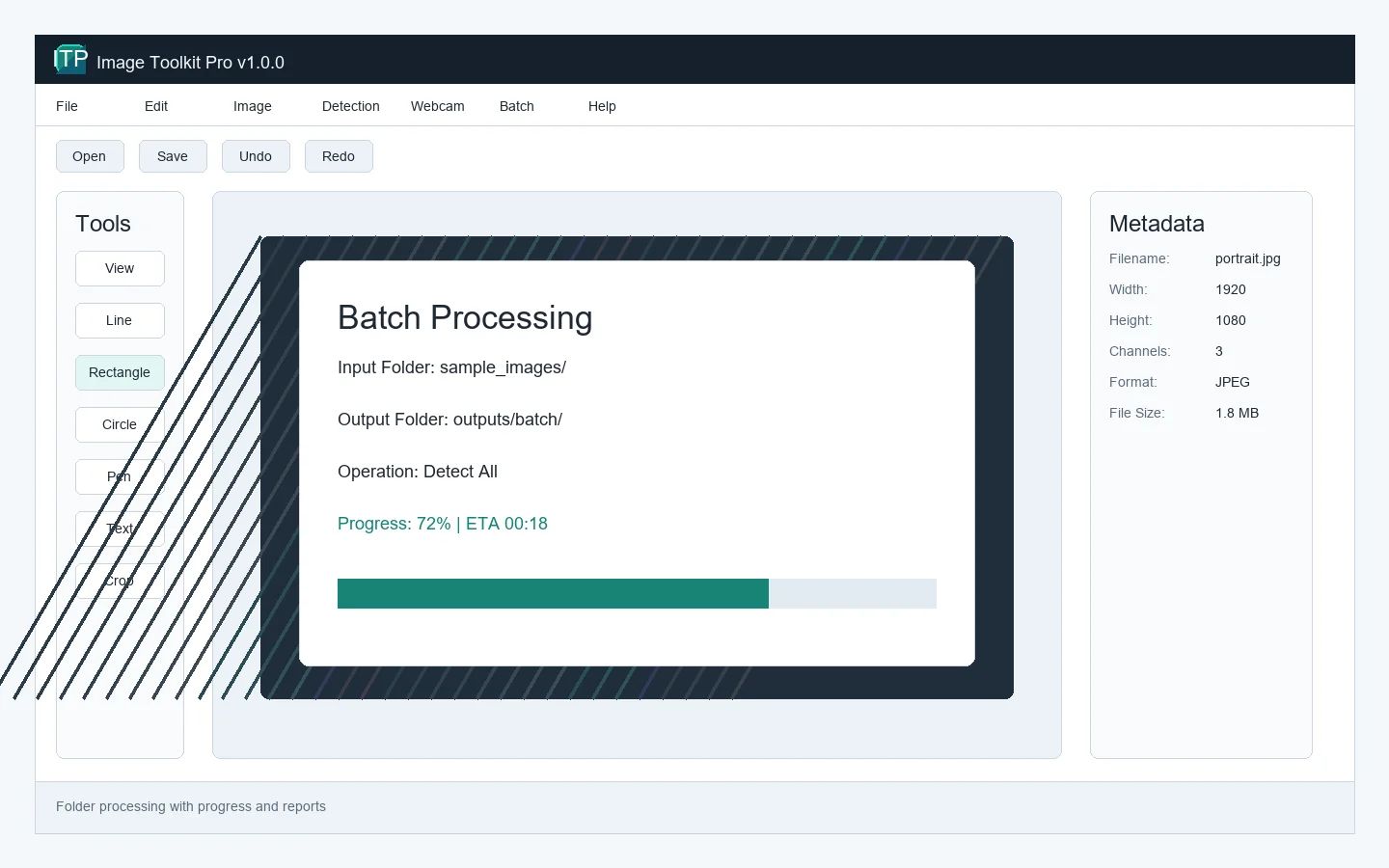
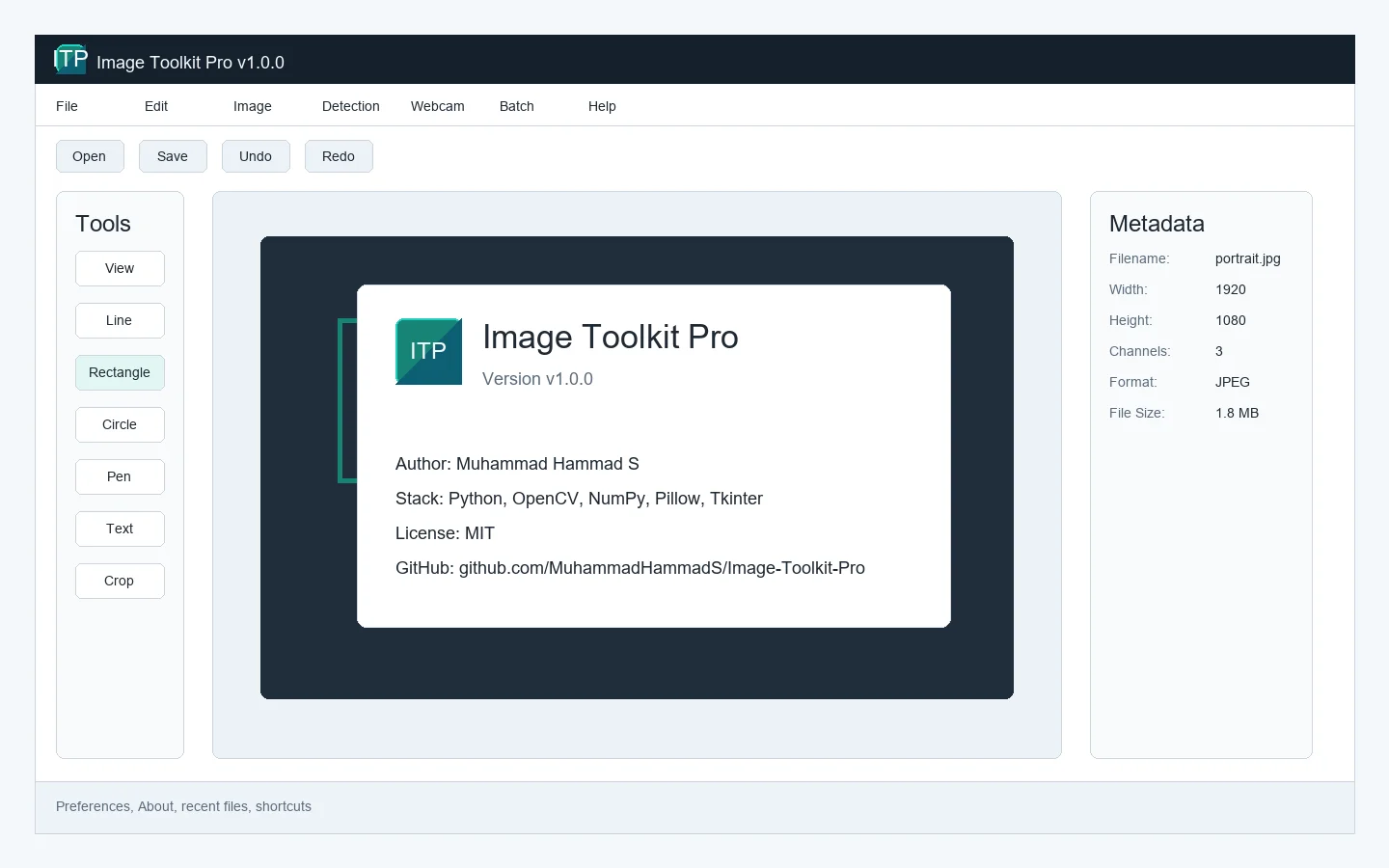
Descriptions are grounded in the existing portfolio and available project material. Unsupported benchmarks are not presented as verified results.
Discuss this project